
Guide 1 of 9
What you need before your first session
LiveKhutbah runs in the web browser. You need very little: one phone that listens, one small mic for the speaker, and internet. The people who read along use their own phones.
-
1A phone (or tablet, or laptop) near the speaker
This phone listens to the speaker and sends the words to be translated. Any recent phone works: iPhone or Android. Open app.livekhutbah.com in its browser. There is nothing to install.
Put it near the minbar or the stage, plugged into a charger if the session is long. Keep the LiveKhutbah page open on the screen while you are live.
-
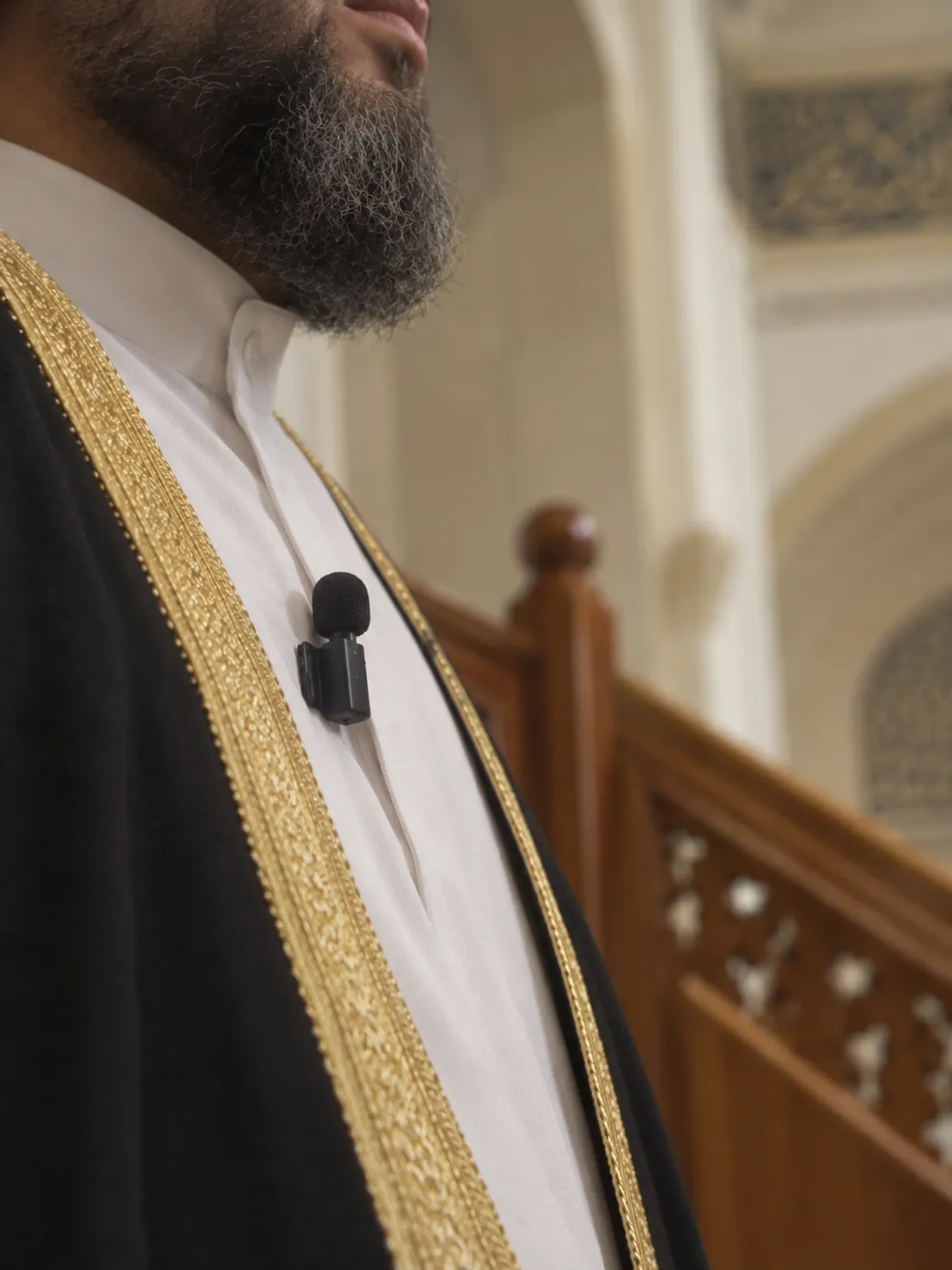
2A wireless clip-on mic for the speaker
The speaker clips a small mic to their collar. Its receiver plugs into the phone. The mic is close to their mouth, so the phone hears their voice clearly over the sound of the room, and your sound system stays as it is.
A good one costs around $100, for example the Hollyland Lark M2S. Pick the receiver that fits your phone's port (USB-C or Lightning).
-
3Internet for the phone
The phone near the speaker needs Wi-Fi or mobile data (4G or 5G). With more than 4 languages at once, use good Wi-Fi or 4G: the app tells you this when you pick them.
The people who read along use the mosque's Wi-Fi or their own mobile data.
-
4Optional: a TV or screen in the room
People read on their own phones, so a TV is not needed. If you have one, it can show the translation for everyone, and your prayer times between sessions. See TV in the hall.
Questions
Can I use the mosque's sound system instead of a clip-on mic?
Yes, if you can get a clean sound line from it into the phone. Most places find a clip-on mic simpler: it needs no cables and no sound engineer.
Does the phone have to be a new one?
No. Any phone or tablet that can open a modern web browser and use its mic works. A laptop works too.
Do the people who read along need an app?
No. They scan your QR code with their camera and read in their browser. No app, no account.